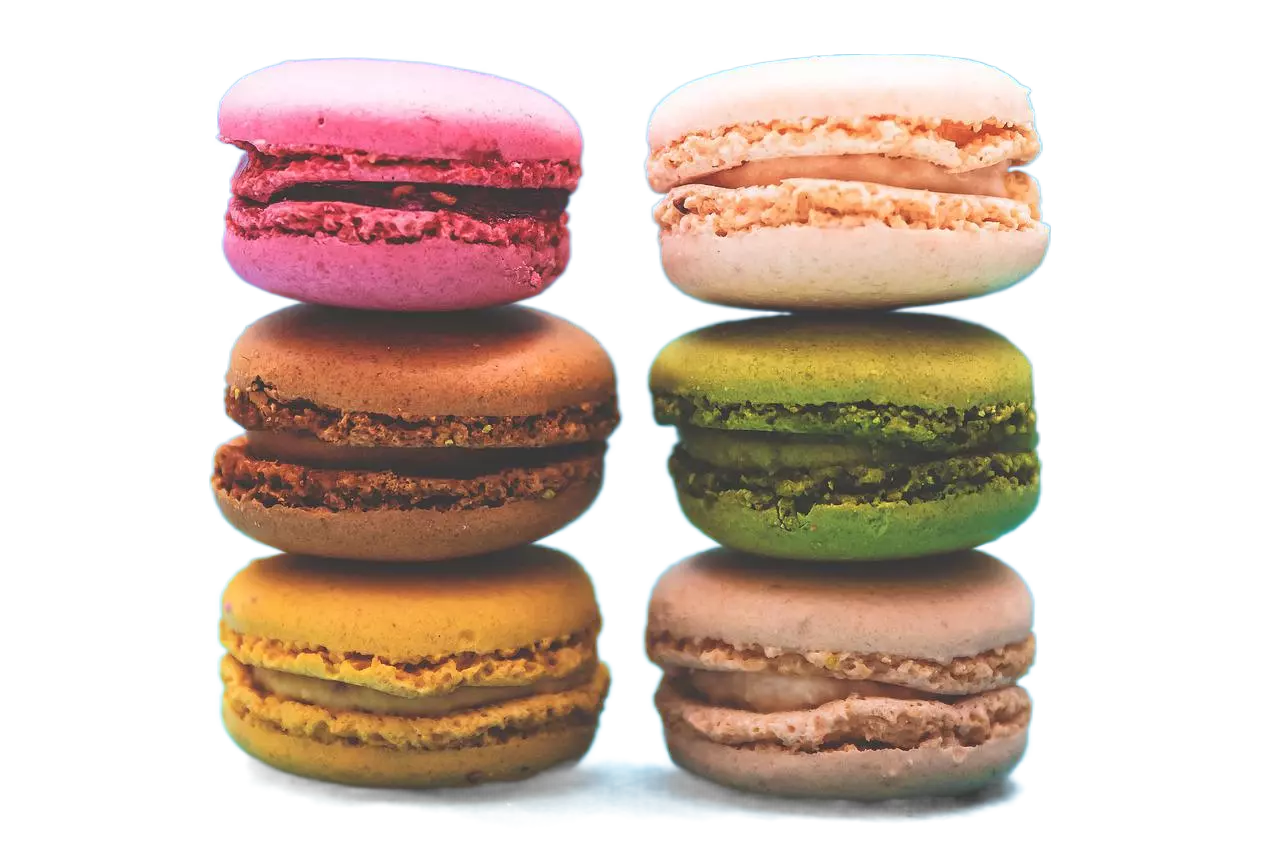
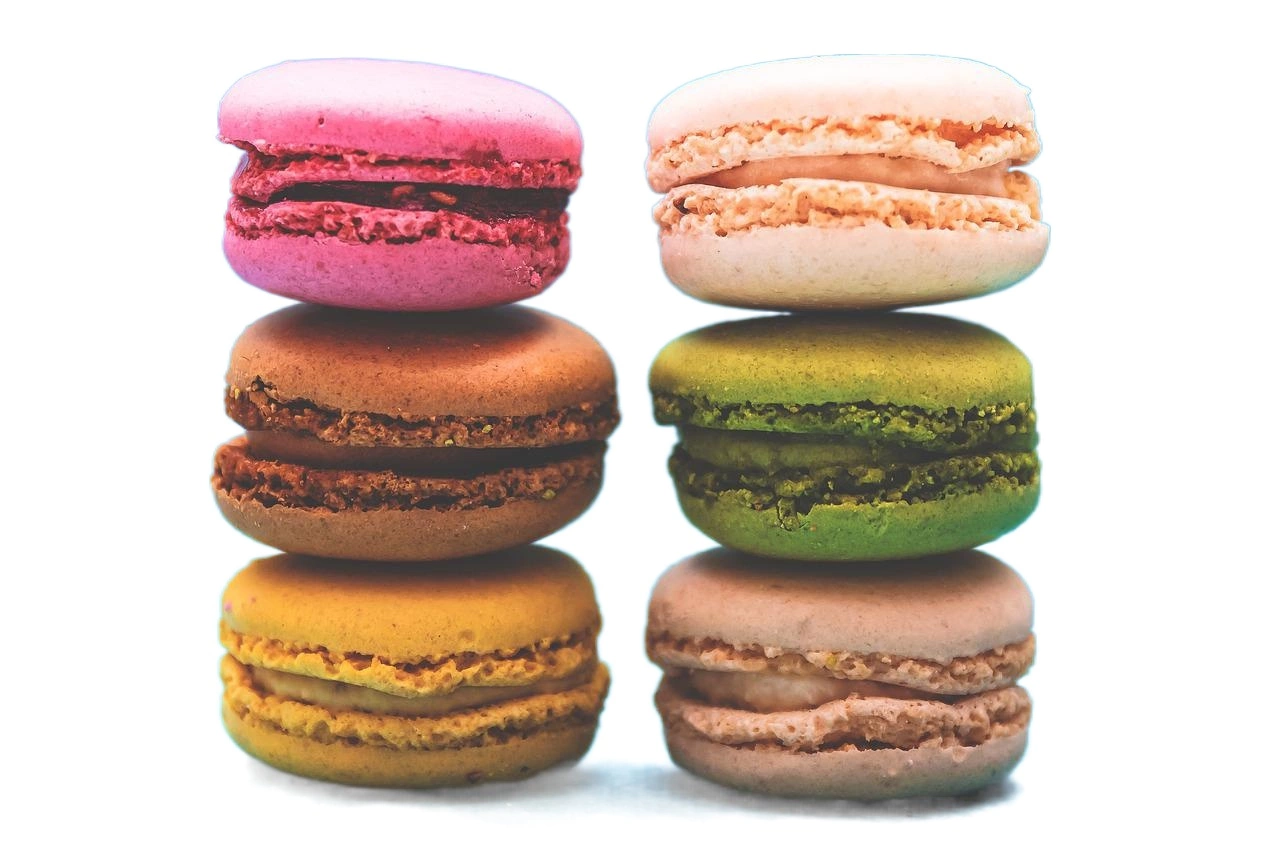
Our Food Background Removal API provides an advanced solution for accurately removing backgrounds from food images, offering pixel-level precision to ensure high-quality cutout results. Perfect for food bloggers, recipe creators, restaurant owners, and e-commerce platforms, this API streamlines the process of isolating food items from their backgrounds, allowing for enhanced visual presentation and creative freedom. Whether you're showcasing culinary delights on your website, designing menus, or creating captivating food advertisements, our API delivers fast and reliable background removal, saving you time and effort. Experience seamless integration, superior performance, and exceptional ease of use with our Food Background Removal API, designed to optimize your image processing workflows and elevate the visual appeal of your food-related projects.
{"data":{"image_url":"https:\/\/ai-result-rapidapi.ailabtools.com\/cutout\/segmentFood\/2024-06-13\/103643-13de18f7-3e9a-5026-57bb-3b9bff4c823b-1718275003.png"},"error_code":0,"error_detail":{"status_code":200,"code":"","code_message":"","message":""},"log_id":"E6815E5A-FD20-5195-9ECA-B822292E57A4","request_id":"E6815E5A-FD20-5195-9ECA-B822292E57A4"}
    curl --location 'https://zylalabs.com/api/4402/food+background+removal+api/5411/food+background+removal' \
    --header 'Content-Type: application/json' \
    --form 'image=@"FILE_PATH"'
| Header | Description |
|---|---|
Authorization
|
[Required] Should be Bearer access_key. See "Your API Access Key" above when you are subscribed. |
No long-term commitment. Upgrade, downgrade, or cancel anytime.
Our Food Background Removal API provides an advanced solution for accurately removing backgrounds from food images, offering pixel-level precision to ensure high-quality cutout results. Perfect for food bloggers, recipe creators, restaurant owners, and e-commerce platforms, this API streamlines the process of isolating food items from their backgrounds, allowing for enhanced visual presentation and creative freedom. Whether you're showcasing culinary delights on your website, designing menus, or creating captivating food advertisements, our API delivers fast and reliable background removal, saving you time and effort.
E-commerce and Online Food Delivery: Enhancing the visual appeal of food products on websites and apps by removing distracting backgrounds, making the food items stand out more clearly. Social Media and Blogging: Creating professional-looking food images for social media posts, blogs, and other online content by removing and replacing backgrounds. Marketing and Advertising: Developing marketing materials and advertisements with high-quality food images that draw attention and highlight the food. Food Packaging: Creating appealing images for food packaging by removing unwanted backgrounds and emphasizing the product.
High Precision: Accurately removes backgrounds, ensuring the food items are cleanly and sharply defined. Enhanced Visual Appeal: Makes food images more attractive and professional-looking by eliminating distracting backgrounds. Versatility: Suitable for a wide range of applications, including e-commerce, social media, marketing, and menu design. Creative Flexibility: Enables easy replacement of backgrounds, allowing for creative customization and design flexibility. Improved Focus: Helps to emphasize the food as the main subject, making it more appealing and enticing to viewers.
The API returns an object containing the processed image URL along with metadata such as request ID, log ID, and error details. The main output is the `image_url`, which links to the resulting image after background removal.
The key fields in the response include `request_id`, `log_id`, `error_code`, `error_msg`, and `data`. The `data` field contains the `image_url`, which is the link to the processed image.
The endpoint accepts two parameters: `image` (required) for the image file and `return_form` (optional) to specify the output format, which can be `mask`, `whiteBK`, or default to a four-channel PNG.
The response data is structured as a JSON object. It includes public parameters for request tracking and error handling, followed by a `data` object that contains the resulting image URL.
Typical use cases include enhancing food images for e-commerce platforms, creating visually appealing social media content, and designing marketing materials that require high-quality food visuals without distracting backgrounds.
Users can access the `image_url` from the response to download or display the processed image. It’s important to note that the URL is temporary and valid for 24 hours, so timely access is essential for long-term use.
The API supports several image formats for input, including JPEG, JPG, BMP, and PNG. The output can be customized based on the `return_form` parameter.
The API utilizes advanced algorithms for pixel-level precision in background removal, ensuring high-quality results. Continuous updates and improvements to the model help maintain accuracy and performance.
To obtain your API key, first sign in to your account and navigate to the API you want to use. From the API's Pricing section, choose a plan and complete the subscription process. Once subscribed, return to the API page and you will see your API Access Key displayed at the top of the documentation page. You can use this key to authenticate your requests.
You can’t switch APIs during the free trial. If you subscribe to a different API, your trial will end and the new subscription will start as a paid plan.
The free trial lasts for 7 days and allows you to make up to 50 API requests.
No, the free trial is available only once, so we recommend using it on the API that interests you the most. Most of our APIs offer a free trial, but some may not include this option.
Yes. If the API offers a free trial, you will see a "Free 7-Day Trial" option in its Pricing section. The trial lasts for 7 days and allows up to 50 API requests, enabling you to evaluate the API before subscribing to a paid plan.
Zyla API Hub is like a big store for APIs, where you can find thousands of them all in one place. We also offer dedicated support and real-time monitoring of all APIs. Once you sign up, you can pick and choose which APIs you want to use. Just remember, each API needs its own subscription. But if you subscribe to multiple ones, you'll use the same key for all of them, making things easier for you.
You can monitor your API usage through the response headers included with every request:
x-zyla-api-calls-monthly-used: Shows the total number of API requests you have used during the current billing period.
x-zyla-api-calls-monthly-remaining: Shows the number of API requests you have remaining for the current billing period.
Yes, you can cancel your subscription at any time. Simply go to the Pricing section of the API you're subscribed to and click the "Unsubscribe" button.
Please note that upgrades, downgrades, and cancellations take effect immediately. Once your subscription is canceled, access to the service will end immediately, regardless of any remaining API calls in your quota.
Please have a look at our Refund Policy: https://zylalabs.com/terms#refund
Service Level:
100%
Response Time:
216ms
Service Level:
100%
Response Time:
192ms
Service Level:
100%
Response Time:
312ms
Service Level:
100%
Response Time:
193ms
Service Level:
100%
Response Time:
388ms
Service Level:
100%
Response Time:
138ms
Service Level:
100%
Response Time:
595ms
Service Level:
100%
Response Time:
419ms
Service Level:
100%
Response Time:
521ms
Service Level:
100%
Response Time:
520ms